
Customer Bug Investigation Workflow for Engineering Teams
Customer bugs move faster when support context, engineering evidence, reproduction steps, and final fixes stay connected.

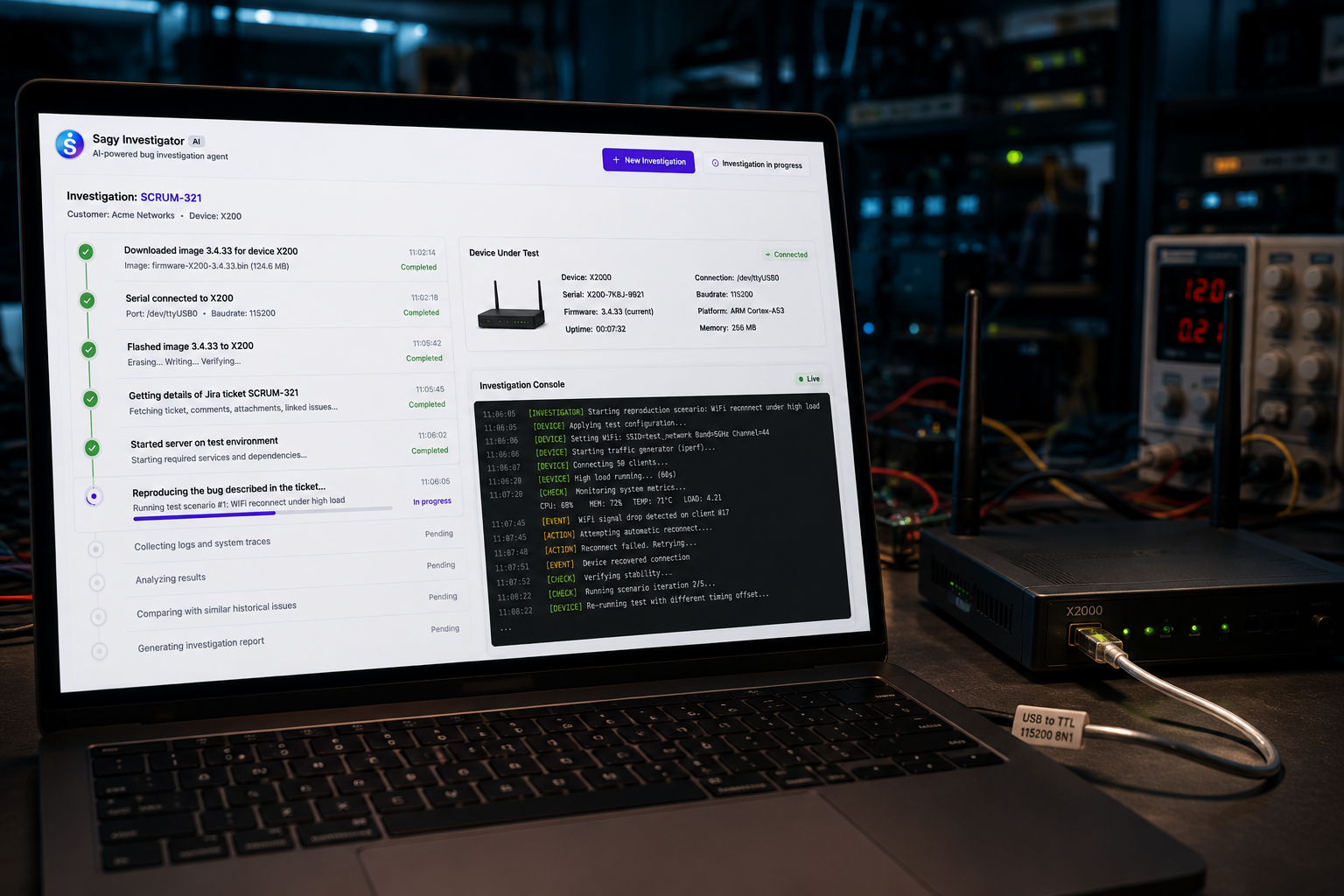
Customer-reported bugs are high-pressure because the facts arrive incomplete. The user sees a failure, support captures part of the story, product wants an answer, and engineering needs enough evidence to reproduce the issue.
The best customer bug workflows reduce ambiguity before engineering starts debugging.
Capture The Customer Context
The first step is not code. It is context:
- who reported the issue
- what they expected to happen
- what actually happened
- when the failure occurred
- which account, version, device, or environment was affected
Sagy turns that context into an investigation prompt that can be linked to Jira, Slack, GitHub, logs, docs, and prior incidents.
Find Similar Issues Before Asking Around
Many customer bugs are not truly new. They are repeated symptoms with slightly different language. A useful agent searches previous tickets, incident reports, support notes, and engineering discussions before escalating.
That reduces interruptions and helps support give customers a clearer update.
Prepare Reproduction And Evidence
For software teams, this may mean logs, deploy history, feature flags, and recent pull requests. For embedded teams, it may mean firmware version, device model, lab setup, serial output, and SSH commands.
If the issue touches hardware or firmware, the Hardware Investigation Agent and Firmware Bug Reproduction Automation pages show the deeper workflow.
Close The Loop
The final answer should not disappear into a ticket comment. Capture the fix, the reproduction path, the links, and the customer-facing explanation. That is how customer bugs become reusable engineering memory.